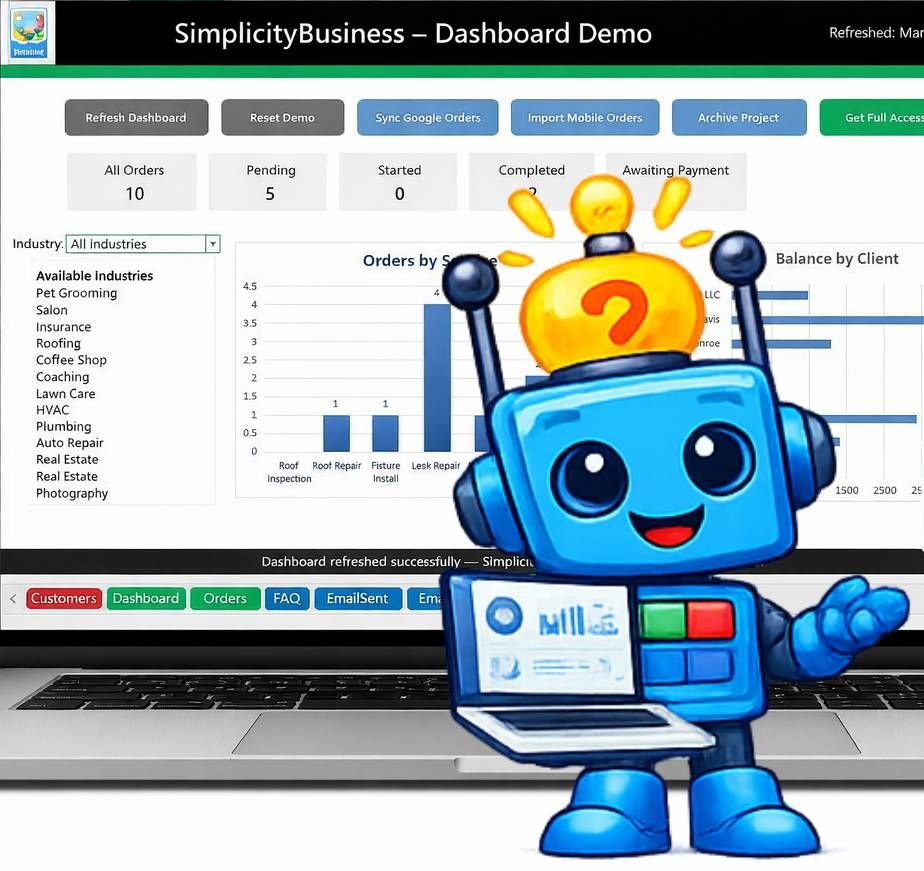
Run Your Entire Business From One Simple System
Orders, customers, images, email automation, and reports — all powered by one simple program Microsoft Excel.
Works with Microsoft Excel — no subscription required
The SimplicityBusiness system and demo are designed for desktop or laptop use with Microsoft Excel.
Runs in Microsoft Excel on desktop or laptop computers.
Running a small business shouldn’t require 10 different apps
SimplicityBusiness brings everything together in one simple business system.
All-in-One Management Solution
Most businesses juggle:
• spreadsheets
• CRM tools
• email marketing software
• accounting tools
• customer notes
• image folders
• paper files
Why SimplicityBusiness Exists
Most small businesses don’t need complicated enterprise software. What they really need is a simple way to keep everything organized.
Customers, orders, notes, photos, emails, and business records often end up scattered across spreadsheets, notebooks, phone apps, and email threads.
That works for a while — until the business grows.
SimplicityBusiness was created to bring those pieces together into one organized system that runs on Microsoft Excel.
Instead of forcing businesses into expensive subscription platforms, SimplicityBusiness keeps control where it belongs — with the business owner.

What Makes SimplicityBusiness Different
- Runs on Microsoft Excel
- No complicated CRM platforms
- No expensive monthly subscriptions
- Your data stays with you
- Built for real small-business workflows
Designed for the Way Small Businesses Actually Work
Many businesses operate with a mix of office management and field work. SimplicityBusiness supports that workflow.
- Office System
Manage customers, orders, images, and business records in one organized system. - Field Capture
Information collected on mobile devices can be imported into the system, keeping everything up to date.
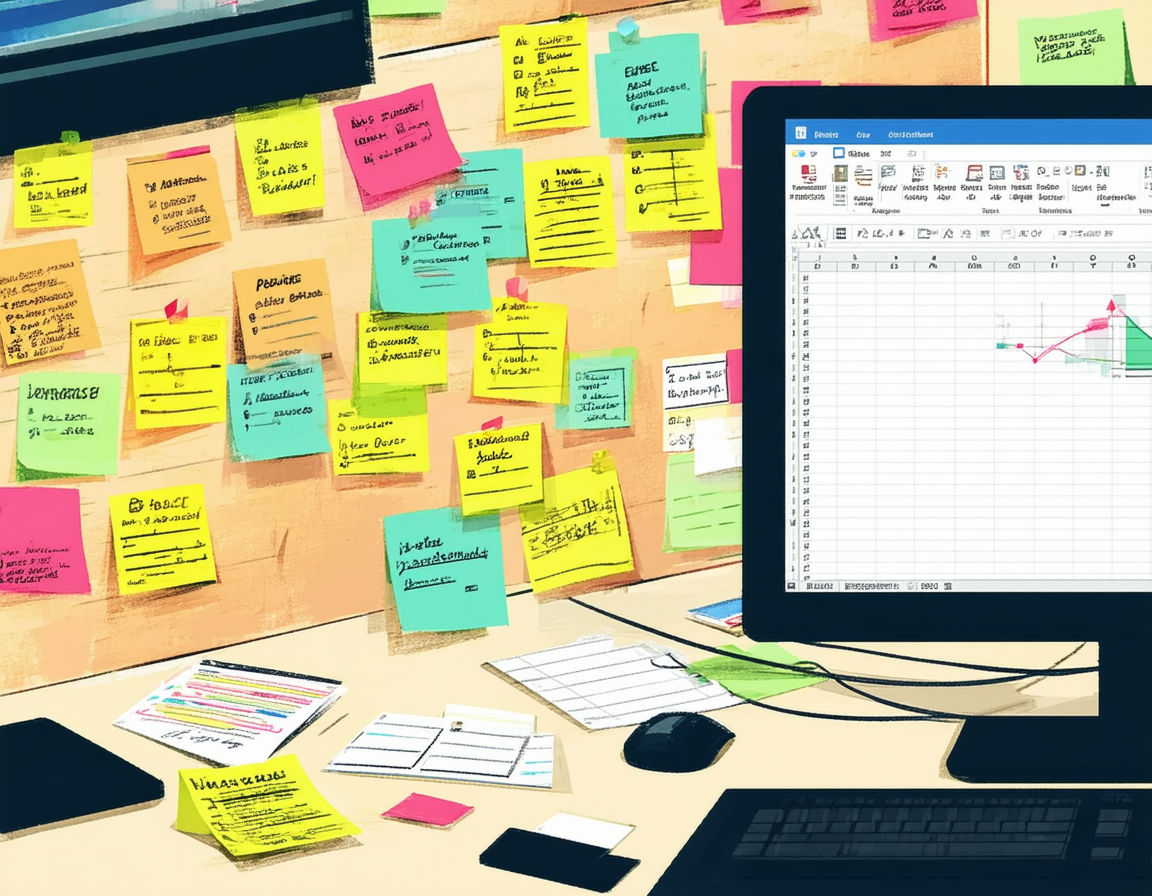
Most businesses end up using too many tools
📊 Spreadsheet
👥 CRM
📧 Email Marketing
💰 Accounting
🖼 Image Storage
📝 Sticky Notes
↓
01
Why Change?
SimplicityBusiness
One system for customers, orders, and records.
02
Save Time
Designed to work for you, not against you.
03
Save Money!
No monthly subscriptions.
One simple investment.
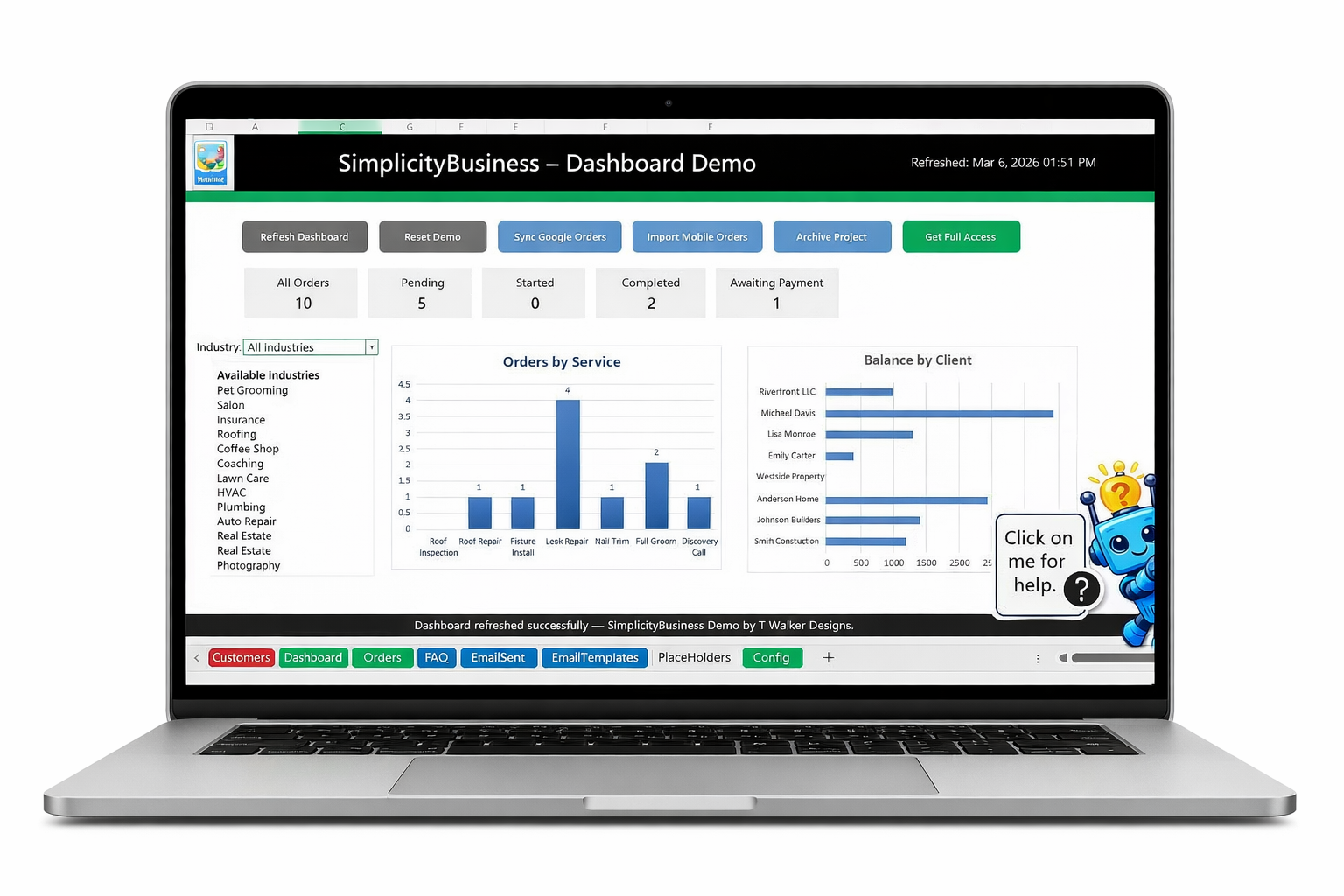
A Look Inside the SimplicityBusiness Dashboard
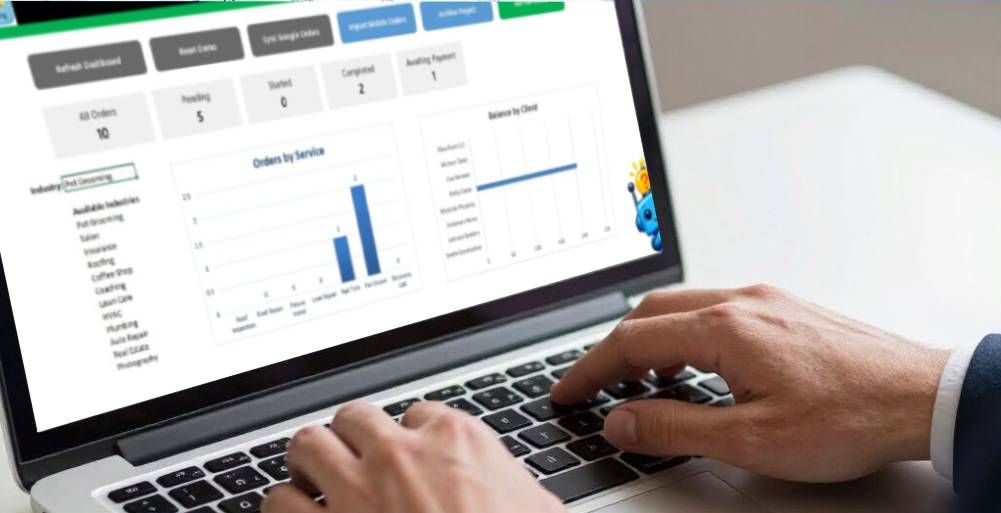
SimplicityBusiness is designed for small service providers, consultants, contractors, and local shops.
Our Excel-powered system simplifies customer and order management so you can focus on running your business.
Built for Small Service Businesses

The SimplicityBusiness system and demo are designed for desktop or laptop use with Microsoft Excel.
Works Great for Businesses Like
- Pet Grooming
- Real Estate
- Coffee Shops
- Salons
- Photographers
- Insurance
Professional Services
- Business
- Consultants
- Coaches
- Creatives
- Crafters
- Authors
Home & Service Businesses
- Lawn Care
- Cleaning Services
- Plumbing
- HVAC
- Roofing
- Auto Repair
- Construction

Features That Simplify Customer and Order Management
Customer Interaction Tracking
Track customer activity, communication history, and important notes in one organized place.
SimplicityBusiness can automatically trigger customer emails for confirmations, updates, and follow-ups.
Order Processing Automation
Create and manage orders quickly while the system automatically triggers important communications.
- Order confirmations
- Status updates
- Customer follow-ups
- Pre-written email templates
Why This Matters
- Stay connected with customers automatically
- Reduce manual follow-ups
- Keep every interaction organized
Inside the Demo
The SimplicityBusiness demo includes sample data so you can explore how the system works.
You will be able to see:
- Customer management
- Order and service tracking
- Dashboard overview
- Image storage with records
- Email automation examples * in your own email
- Business tracking tools
- Industry examples
See SimplicityBusiness in Action
Try the working demo and explore how customers, orders, records, and images are organized in one simple system.
Experience how customers, orders, records, and images can be organized in one simple system.
No credit card required.
How the Demo Works
The demo is a working version of the system running in Microsoft Excel.
You can explore the features, switch industries, and see how customers, orders, and records are organized.
The demo runs for a limited time so you can experience the system before purchasing.
Runs on Microsoft Excel — no complicated CRM software required.
Built for Real Small Businesses
SimplicityBusiness helps organize:
• Customers
• Orders
• Emails
• Images
• Business records
All in one system powered by Microsoft Excel.
What Happens After Download
After downloading the demo, you will receive helpful emails with tips on how the system works and how businesses use it.
These messages will guide you through the different features of the SimplicityBusiness system.
You can unsubscribe at any time.
Streamline Your Customer Management
Get started with the free demo

Your information is only used to provide the demo download.
The SimplicityBusiness system and demo is designed for desktop or laptop use with Microsoft Excel.
Contact Us
Thank you for requesting the SimplicityBusiness Demo.
Download the Demo:
Please download the ZIP file and follow the setup instructions included in the folder.
A confirmation email with the same download link will also be sent to you shortly.
Enjoy exploring SimplicityBusiness!
Designed for small businesses seeking straightforward and organized customer management.
Please try again later.
Enter your name and email to instantly download the SimplicityBusiness demo.
The SimplicityBusiness demo allows small service businesses to explore a customer and order management system built in Microsoft Excel. The demo includes sample data, dashboards, and workflow examples to help you understand how the system organizes daily business activity.