Be One of the First to Try SimplicityBusiness
Small Business Success Stories with SimplicityBusiness
SimplicityBusiness is a new system designed to help small service businesses organize customers, track orders, and simplify daily operations using Microsoft Excel.
We’re inviting early users to explore the demo and share their experience.
Your feedback helps us continue improving the system and ensures it works well for real businesses like yours.
Download the demo, explore the features, and see how SimplicityBusiness works.
If it helps streamline your workflow, we would love to hear your feedback.
Your testimonial may be featured on our website as we continue growing the SimplicityBusiness community.
— Early SimplicityBusiness User
Key Features of SimplicityBusiness
Centralized Order Tracking
Manage customers, orders, and project details in one organized Excel system, making updates and status checks quick and easy.
Automated Customer Records
Customer information is stored and linked to orders automatically, helping reduce manual entry and keeping records consistent.
Customizable Templates
Adapt forms, workflow stages, and service categories to match how your business operates.
Order & Project Workflow
Track each order from start to completion with clear workflow stages so nothing falls through the cracks.
Dashboard Analytics
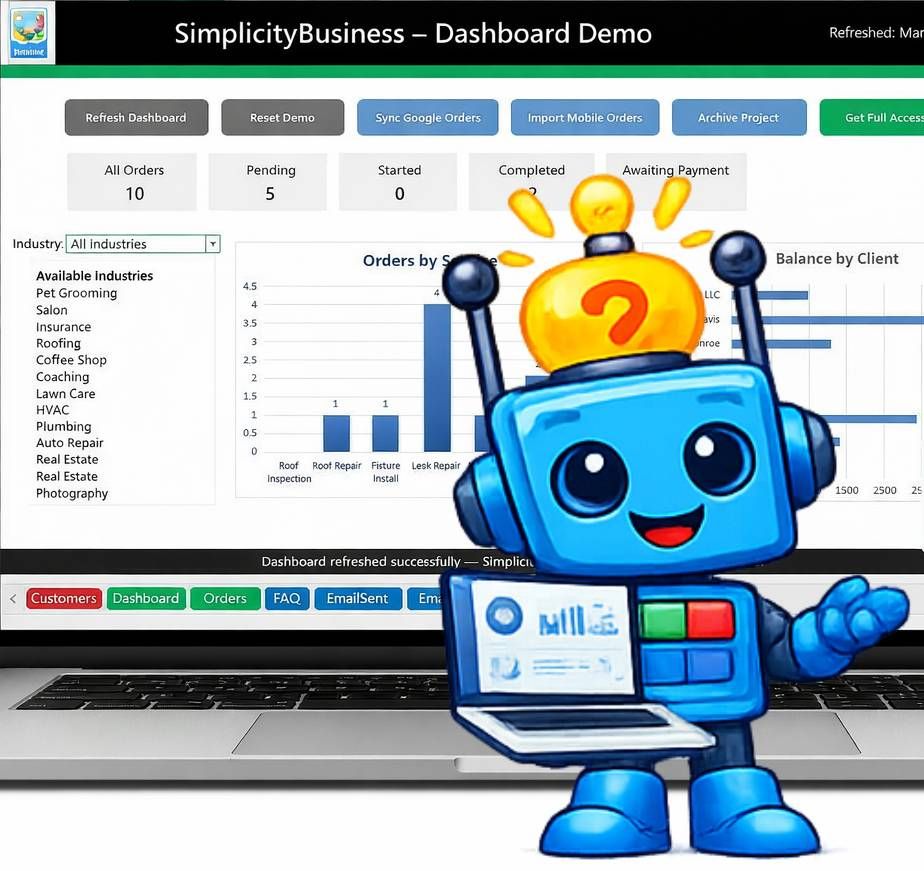
View order activity, project status, and client balances through built-in dashboard charts.
User-Friendly Interface
Designed for small business owners, the system uses a clean layout and familiar Excel tools that require minimal training.
Getting Started with SimplicityBusiness
Step 1 – Download the Demo
Download the SimplicityBusiness Excel workbook and open it on your computer.
Explore the Sample Data
See how customers, orders, and services are organized in the system.
Navigate the System
Browse the different sections to understand the workflow and features.
View the Dashboard
Watch how the dashboard displays activity and order tracking across the system.
Questions About the Demo?
Simp Is Here to Help

Have questions about the SimplicityBusiness demo or how the system works?
Send us a message and we’ll be happy to help.
Contact Us
Please try again later.
We usually respond within one business day.